Three steps, in order
-
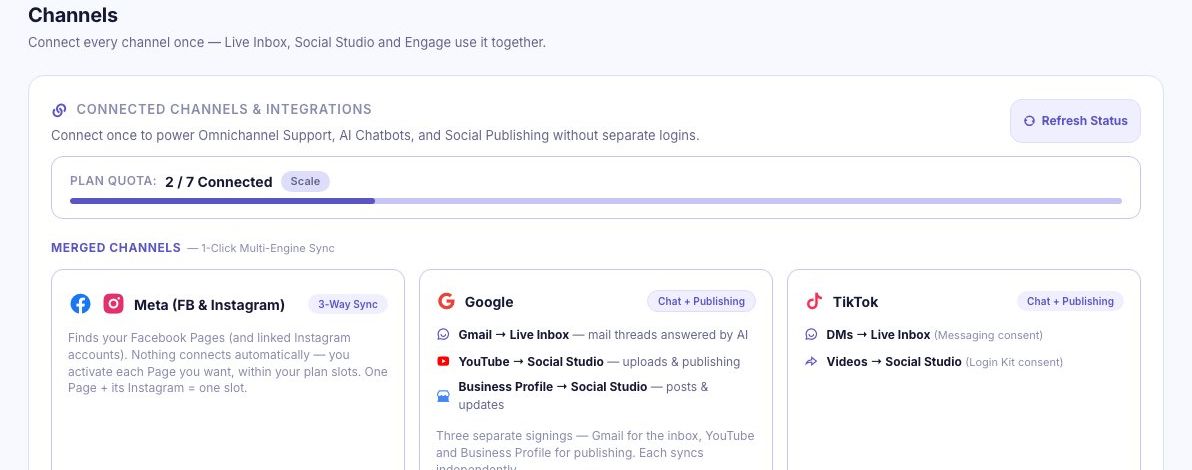
Connect a channel
Link WhatsApp, Instagram, Telegram, Gmail or your website widget from the Channels panel in your dashboard. Each connection uses one inbox slot from your plan, so check your allowance before adding a fifth channel.
-
Receive and organize conversations
New messages arrive in one list with channel tags. Assign a thread to an agent, add a label such as sales or support, and leave private notes your customers never see. Filters keep each teammate looking at their own queue.
-
Reply or assign
The AI drafts and sends the first reply from your knowledge base. Type your own reply and the AI pauses for that thread, then resumes on its own when you step away — no toggle to remember.
Try It on a Free Plan
No card, 10 conversations a month. Connect a channel and see it working on your own messages before you pay anything.