Three steps, in order
-
Pick a trigger
A comment, a keyword like PRICE or SHOP, a story mention, or a new follower — choose what starts the automation on your connected Page. Start with one trigger; add more once the first converts.
-
Build the flow
Drag in replies, questions and lead-capture steps in the visual builder, or let AI draft the first version from a short brief. Keep flows short: reply, one question, handoff.
-
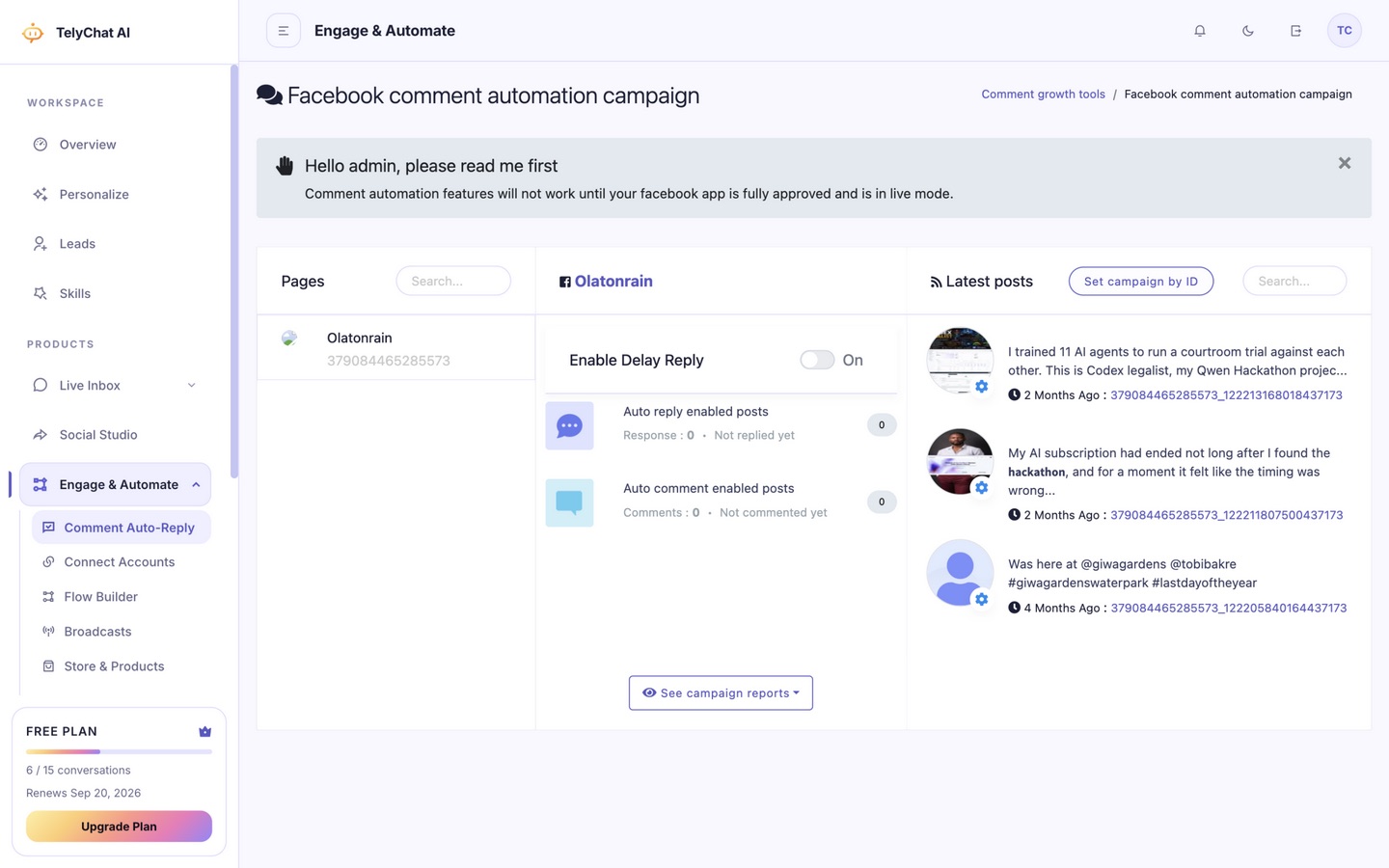
Publish and track
Turn it on and matching comments get a quick, on-brand response. Reply and comment counters track everything handled, and leads land in your dashboard — check weekly which trigger earns its keep.
Keep reading
Try It on a Free Plan
No card, 10 conversations a month. Connect a channel and see it working on your own messages before you pay anything.